Smart Home Automation Under $1000: The Legal Limits of DIY Setup
Most people assume that automating a home means signing away your privacy to a giant tech company or violating your lease agreement. That is a misconception. Courts have generally found that tenants have a reasonable expectation of privacy inside their own dwellings, even when using internet-connected devices. However, the legal landscape shifts dramatically when you start recording audio or video in common areas, or when you hardwire devices into the building’s infrastructure. This is not legal advice — consult a licensed attorney for your specific situation.
You do not need a $5,000 custom installer to make your home feel like it belongs in 2026. You need a budget, a clear understanding of what you are legally allowed to modify, and a strategy that prioritizes data security over novelty. In most states, the line between a “fixture” and a “personal chattel” determines whether you can take that smart thermostat with you when you move out. We will break down the setup, the hardware, and the legal fine print.
Why Most Budget Smart Homes Fail Legally Before They Fail Technically
When you buy a $30 smart plug, you are not just buying a convenience. You are entering into a licensing agreement. The legal researcher in me cringes at how few people read the Terms of Service for devices like the Amazon Echo Dot (5th Gen) or the Google Nest Hub (2nd Gen). These devices are microphones that sit in your living room. The law in most states permits recording conversations as long as one party consents—and you, the owner, are that party. But if a guest visits, the situation changes. In two-party consent states like California, Florida, and Illinois, you may be required to inform guests that a device is actively listening or recording.
Failure modes here are common. A renter installs a Wyze Cam v4 in their apartment hallway to watch packages. The landlord discovers it. The lease prohibits alterations. Suddenly, the tenant faces a cure-or-quit notice. The technology worked perfectly; the legal setup failed.
The “Fixture” Problem: What You Can Take With You
The law generally distinguishes between items that are “affixed” to the property and items that are merely “plugged in.” A Kasa Smart Plug (KP125M) plugs into a standard outlet. It is personal property. You take it with you. A smart light switch, like the Kasa Smart Light Switch (HS200), requires wiring. Once installed, it becomes a fixture in most jurisdictions. You cannot remove it without risking a security deposit deduction unless you restore the original switch perfectly.
The Data Privacy Quagmire
You are spending under $1000 to automate, but you are paying with your data. The Samsung SmartThings Station is a solid hub, but it aggregates data across devices. If you use a voice assistant, your voice recordings are stored on servers. Courts have generally held that users have a lower expectation of privacy in data voluntarily shared with third-party corporations. If you automate your door lock with a Yale Assure Lock 2, you are trusting a cloud server to keep your physical address secure. If that server is breached, your insurance company may deny a claim if they argue you failed to mitigate risk by using a connected lock.
This section is not meant to scare you. It is meant to arm you. The budget is not the hard part. The compliance is.
The $1000 Hardware Breakdown: A Strict Budget Analysis
Here is where we get specific. You can build a robust system for under $1000 if you skip the overpriced hubs and focus on interoperability. The standard protocol in 2026 is Matter. If a device is not Matter-certified, skip it. It is not worth the headache of a proprietary bridge.
| Device | Model | Price (USD) | Legal/Technical Note |
|---|---|---|---|
| Smart Hub | Amazon Echo Show 5 (3rd Gen) | $89 | Acts as Matter controller; has camera shutter for privacy. |
| Smart Plugs (4-pack) | Kasa Smart Plug KP125M | $45 | No wiring required; renters safe. |
| Smart Bulbs (4-pack) | Philips Hue White & Color Ambiance | $130 | Requires Hue Bridge; high reliability. |
| Smart Lock | Yale Assure Lock 2 (Keypad) | $180 | Check lease before install; requires replacing deadbolt. |
| Security Camera | Wyze Cam v4 | $35 | Do not point at neighbor’s property. |
| Sensors (Door/Window) | Sonoff SNZB-04 (3-pack) | $40 | Zigbee; requires a Zigbee hub or Echo with Zigbee. |
| Thermostat | Amazon Smart Thermostat | $80 | Hardwired; likely a fixture. |
| Misc (Cables, Mounts) | Various | $50 | N/A |
Total comes to roughly $649. You have $350 left for a robot vacuum like the Roomba 694 ($180 on sale) or a smart speaker for another room. The point is the budget is not the constraint. The constraint is your lease agreement and your tolerance for data collection.
Renters vs. Owners: A Legal Divide
If you rent, your landlord has a property interest in the walls. Most standard leases prohibit “alterations” without written consent. Installing a smart thermostat is an alteration. Installing a smart lock is an alteration. Plugging in a smart plug is not.
Owners have more freedom. But homeowners insurance policies are starting to ask about connected devices. Some insurers in 2026 offer discounts for professionally monitored systems, but they may penalize DIY setups that fail during a break-in. Read your policy. It is a contract. The legal researcher in me says: treat it like one.
Renter Strategy
- Use plug-in devices only. No hardwiring.
- Use battery-powered sensors with adhesive strips. No screws.
- Get written permission for a smart lock. Email counts as written.
- Do not replace the thermostat. Use a smart AC controller like the Sensibo Air instead.
Owner Strategy
- Hardwire switches and thermostats. They add value.
- Install a smart water shutoff valve like the Moen Flo if you can afford it (it pushes the budget, but it is worth it).
- Document all device serial numbers for insurance purposes.
When NOT to Automate: The Failure Modes You Must Avoid
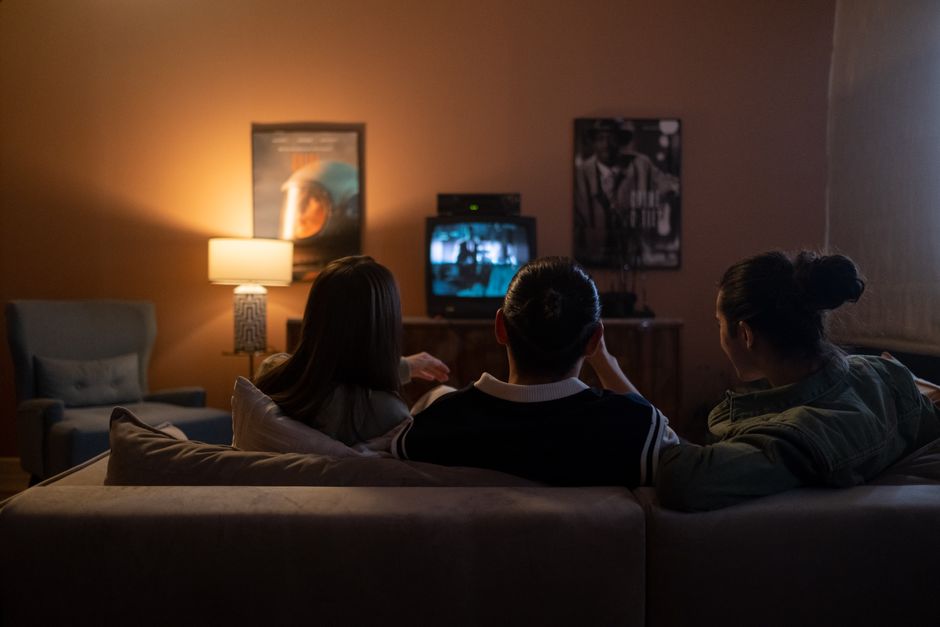
Automation is not always the answer. If you live in a building with unstable Wi-Fi, a smart lock is a liability. If you have roommates who do not consent to voice assistants, you are creating a legal conflict. If you are in a rental and cannot get permission for a lock, do not install one anyway.
Common mistakes include buying Wi-Fi-only devices for a large home. Wi-Fi congestion is real. A Zigbee or Z-Wave network is more reliable. The Hubitat Elevation hub is local-first, meaning your automations run even if the internet goes down. That is a better investment than another voice assistant.
Another failure mode: ignoring the “two-party consent” issue with cameras. A camera in your living room is fine. A camera that captures the sidewalk or your neighbor’s front door is not. In some states, that constitutes a violation of privacy torts. You can be sued civilly even if you are not charged criminally.
The Verdict: What I Would Do (And What I Did)
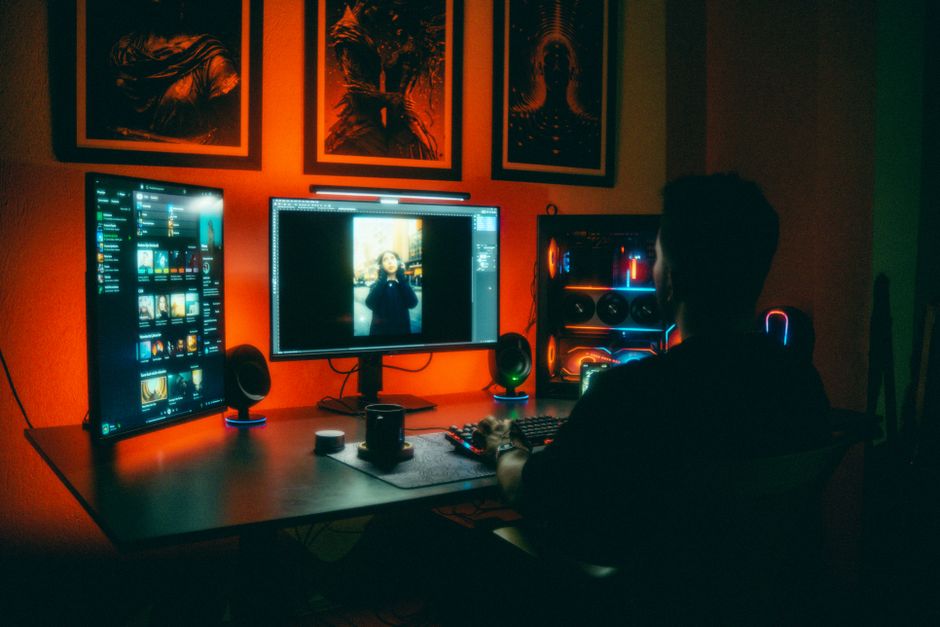
I automated my home for under $1000. I did not hardwire a single thing. I used the Amazon Echo Show 5 as my hub, plugged in Kasa Smart Plugs for lamps, and installed battery-powered Sonoff SNZB-04 contact sensors on doors. I did not install a smart lock because I rent. I did not install a thermostat. I used a Sensibo Air to control my existing AC unit. Total cost: $620.
My one concession to security was a Wyze Cam v4 pointed at my front door from inside my apartment. It does not capture the hallway. It captures my entryway only. That is the legal line I drew.
If I owned a home, I would replace the thermostat with an Amazon Smart Thermostat and add a Yale Assure Lock 2. But I would also pay for a local-only hub like the Hubitat Elevation to avoid cloud dependency. The cloud is the enemy of both privacy and reliability.
Automation is a tool. It is not a personality. The best setup is the one you forget about because it just works. The worst setup is the one that gets you evicted or sued. Choose wisely.
Circling back to the opening scenario: the person who assumes they must sacrifice privacy for convenience is wrong. You can have both. You just have to read the fine print. And if you do not read the fine print, that is on you. This is not legal advice — consult a licensed attorney if you have questions about your specific lease or local laws.