How to Teach Kids to Document a Bedroom Makeover (Camera Setup Included)
How to Teach Kids to Document a Bedroom Makeover (Camera Setup Included)
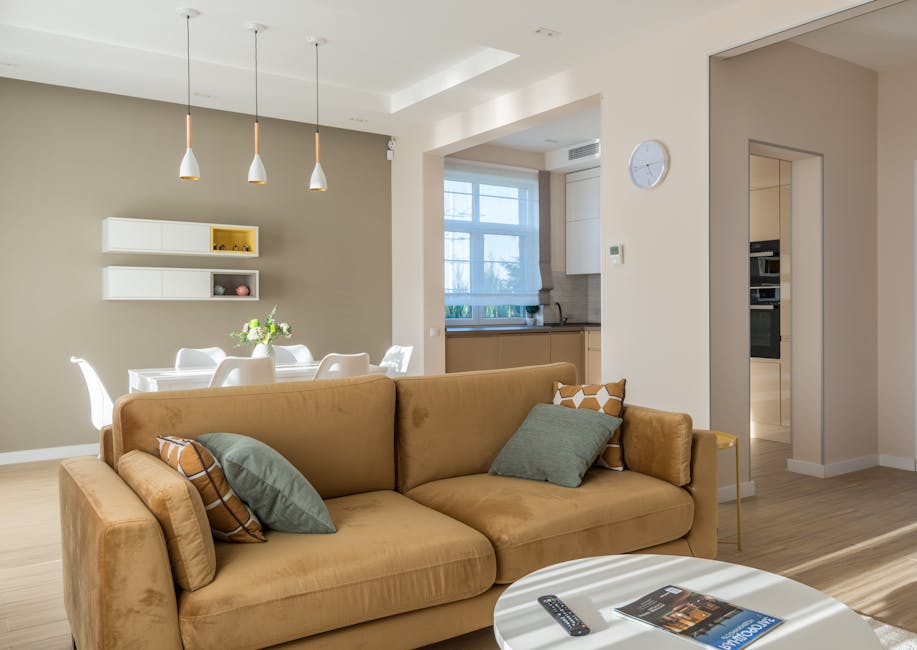
You just finished your kid’s bedroom renovation — new flooring, fresh paint, a bed frame that actually fits the room. You took a few wide shots on your phone. Done. But your child watched every step: the carpet being pulled up, the baseboards being repainted, the furniture being dragged into place. That whole story is gone.
Giving a child their own camera during a home project changes the archive you end up with. They shoot at floor level. They capture the texture of new hardwood from six inches away. They narrate video walkthroughs that explain what changed and why, in their own words. You end up with something you’ll actually look back at.
This guide covers how to set that system up — what to teach, which camera specs matter for ages 3-8, where things commonly go wrong, and how the Goopow kids camera fits into the workflow.
Why Children Document Renovations Differently Than Adults
Adult renovation photos follow a predictable script: wide-angle finished room, staged for symmetry, taken from standing height. They’re fine records. They look like every other renovation photo on Pinterest.
Kids shoot differently. Not better — differently. And the difference is worth something.
The Floor-Level Archive Problem
When you’re documenting new flooring installation, the most informative angle is six inches off the ground — where you can see how the planks meet the baseboard, whether transitions are tight, how the grain runs toward natural light. Phone cameras have parallax distortion at that distance when you crouch down. A compact camera in a child’s hands, at their natural eye level, produces the floor-level documentation that adult-height shooting simply doesn’t.
This isn’t theoretical. A 5-year-old walking across new LVP flooring and filming downward captures gap consistency along every run of baseboard in a way a 30-second phone video from waist height never will. For flooring or baseboard installation specifically, child-level documentation is genuinely more useful than what adults typically capture.
Why Child Agency Matters During Room Changes
Occupational therapists who work with children in residential settings consistently note that kids adapt to renovated or redesigned rooms faster when they have some participation in the process. Giving a 4-year-old a camera and a specific job — document the carpet coming out, photograph the new shelf positions — provides that participation without putting them near power tools or paint fumes.
The psychological side is real but it’s not the primary argument here. The primary argument is simpler: the photos a child takes during a bedroom renovation are more varied, more surprising, and more emotionally specific than what adults capture. A 6-year-old photographing their old furniture being moved out of their room produces images with a weight that “before” shots taken by parents almost never have.
What Kids Ages 3-7 Actually Photograph
Left with a camera and minimal instruction, children in this age range tend to shoot:
- Textures at extremely close range — carpet pile, wood grain, painted drywall at 4 inches
- Progress states that adults forget to capture — mid-demolition, half-painted walls, furniture stacked in the hallway
- Their own belongings being moved, which grounds the documentation emotionally
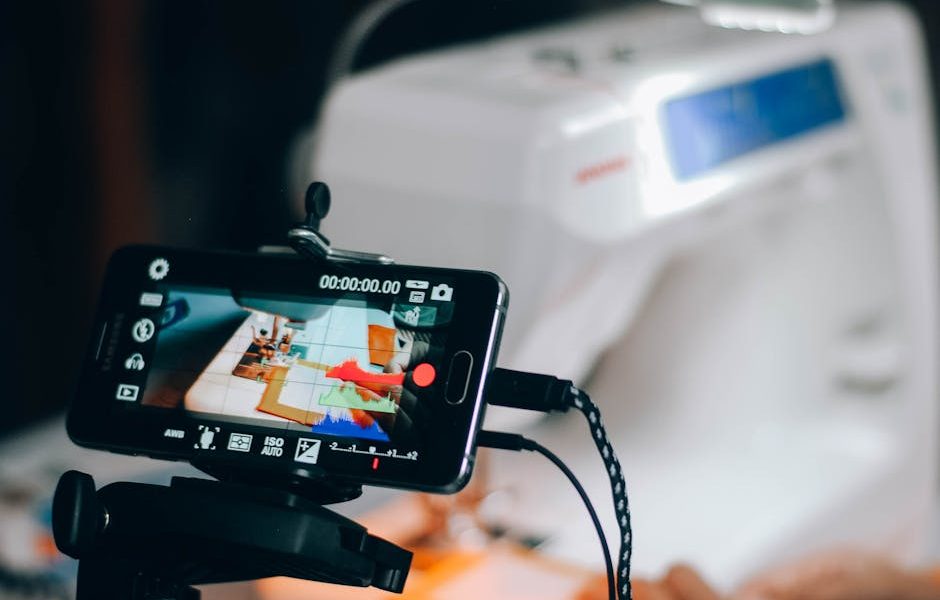
- Narrated video walkthroughs explaining what changed, what they like, what they’d do differently
That last category is the one most parents don’t anticipate. A 5-year-old giving a verbal tour of their renovated bedroom — describing what the old floor felt like vs. the new one, pointing out where their books moved — is a time capsule you can’t manufacture later.
Setting Up a Bedroom Photo Station That a 4-Year-Old Can Run
A functional photo station for a young child has three components: a fixed storage spot, a consistent charging routine, and a visual prompt for what to shoot. None of these are complicated. All three matter.
The Storage Spot
One location in the bedroom. The camera lives there and only there. For ages 3-5, this is more important than it sounds. A camera that migrates under the bed is a camera with a dead battery two days later, which means a missed documentation window during a key renovation milestone.
If the bedroom uses IKEA KALLAX shelving (77x77cm, around $65 per unit), the standard square cubbies fit most compact children’s cameras with room for a USB cable to run out the side. A small basket works equally well — the principle is visual obviousness. The child should be able to grab and return the camera without thinking about where it goes.
A Charging Routine That Sticks
Kids’ cameras in the $25-40 price tier typically run small lithium cells — expect 90-120 minutes of active shooting before needing a charge. Build the charging around an existing daily routine: camera goes on charge at dinner, comes off before bed. Consistent partial charges extend battery life significantly compared to running it to zero repeatedly.
This matters more than it sounds. One verified buyer reported: “the battery won’t hold a charge anymore after a month of use. Takes a few hours to charge, and then dies almost immediately after taking off the charger.” That degradation pattern is partly a thermal issue — small batteries in compact cameras heat up during charging, and repeated thermal stress degrades cell capacity faster. Charging during an active hour and unplugging when done prevents the worst of it.
The Visual Prompt Card
For children under 6, a laminated card near the storage spot dramatically improves the quality of what they capture. Five prompts with simple drawings next to each:
- The floor (arrow pointing down)
- The walls (arrows pointing outward)
- Your favorite thing in the room today
- Something that changed since last time
- A video tour (camera icon)
Without this, the common pattern is 150 photos of the ceiling and one accidental video of someone’s feet. With it, even a 4-year-old produces a usable renovation record.
Kids Camera Specs — What Actually Matters vs. What’s Marketing
The kids camera market divides cleanly into three tiers. The specs that actually predict satisfaction differ from the specs that manufacturers highlight on packaging.
| Tier | Price Range | Effective Resolution | Drop Protection | Memory Included | Best Age Range |
|---|---|---|---|---|---|
| Budget | $15–22 | 2–5MP real-world | Rigid plastic only | Rarely included | 3–4 (trial use) |
| Mid-range | $25–40 | 8–12MP real-world | Soft silicone cover | 16–32GB typically included | 4–8 (regular use) |
| Premium kids | $50–80 | 16–20MP real-world | Rubberized housing + wrist strap | Standard SD slot only | 7+ (developing interest) |
Resolution vs. Drop Resistance
For ages 3-8, drop resistance outranks resolution every time. A Nikon Z5 produces extraordinary images at roughly $1,400. It also weighs 590g, has no protective cover, and one drop on new hardwood ends the experiment. A soft-shell kids camera at $29 takes 8MP photos, survives the drop, and the child continues using it. One reviewer who compared the two cameras noted only that the kids camera is “much smaller and lighter” — which is the correct comparison. You’re not selecting between these on image quality grounds.
For bedroom renovation documentation, 8-12MP is more than sufficient for digital sharing and prints up to 5×7 inches. Outdoor and well-lit indoor shots — which covers most renovation work — are where these cameras perform best anyway.
The Memory Card Problem
A meaningful number of budget-tier cameras ship without any storage and bury this detail in the specs. The child gets the camera, tries to take a photo, and nothing happens. That’s a product failure, not a child failure, but it ends the experience immediately.
Only buy a kids camera that explicitly states memory is included — either internal storage or a bundled SD card. If the listing says “SD card slot” without “SD card included,” add a card to your cart or move on to a different option.
Four Mistakes Parents Make Buying a First Kids Camera
Worth reading before any purchase decision.
- Buying adult quality at adult fragility. The Fujifilm X100VI and Canon PowerShot G7X Mark III produce excellent images. Neither is designed to survive a 5-year-old on a renovation site. Know your child’s drop frequency and buy accordingly.
- Ignoring charging port type. Micro-USB is being phased out industry-wide. Some $20 cameras still ship with proprietary charging cables that are fragile, slow, and impossible to replace at a hardware store. USB-C is faster and more durable. Charging cord issues are a consistent friction point — one buyer flagged the charging cord as “a little tricky,” which on a product for young children is an avoidable design failure.
- Overbuying on advertised megapixels. A 48MP claim on a $22 plastic kids camera reflects marketing, not optics. The lens quality and physical sensor size determine actual image quality. A 12MP image from a camera with a decent lens beats a 48MP image from a camera with a cheap plastic lens. Look for sample photos in reviews, not spec sheets.
- Skipping the selfie lens check. For children under 7, self-portraits and photos of their own face are a primary use case. A camera without a front-facing lens or selfie mirror frustrates young children within the first hour. This is a non-negotiable feature for ages 3-6.
One more: don’t buy a kids camera as a temporary renovation prop if you’re not planning to let the child keep using it afterward. The value compounds when a child continues shooting daily life, birthday parties, and seasonal changes in their room over months. A one-week documentation project barely justifies the purchase on its own.
The Goopow at $28.99 — Honest Assessment for Bedroom Documentation
Clear verdict: for ages 3-8 documenting a bedroom renovation or daily life, the Goopow is the right call at this price point. Not because it’s perfect — it isn’t — but because it solves the problems that actually matter for this age group and use case.
What It Gets Right
The $28.99 price includes a 32GB SD card. That’s not a minor detail — it means the camera is functional immediately, without a separate purchase. The soft cartoon silicone cover handles drops on hardwood without drama. As one verified reviewer put it: “It has been thrown several times and doesn’t have a single scratch in it.” For a bedroom renovation project where a child is moving between rooms with active work zones, that durability profile is exactly right.
Photo quality exceeds expectations for the price. The honest calibration from a verified buyer: “I was honestly shocked at how good the pictures came out for being such an inexpensive camera.” That tracks. Outdoor shots and brightly lit rooms produce clean, usable images. Low light — a common renovation scenario when windows are covered during flooring work — is where limitations show.
The front-facing selfie camera is included, which matters for ages 3-6. The soft cartoon cover makes it easy for small hands to grip during a room walkthrough without the camera twisting or dropping mid-video.
The Built-In Games Factor
Built-in games are genuinely useful during renovation work. When flooring adhesive needs to cure, paint needs to dry, or workers need a clear zone for 30 minutes, a camera with on-device entertainment keeps a child occupied independently. “It has photo, video, GAMES! My 4 YO is obsessed with it,” one buyer noted — and at a renovation site, that independent engagement has real practical value. The game volume runs loud with no dedicated volume control, which is an annoyance during workdays when noise is already elevated.
Known Limitations
Two real issues from verified buyer reports that deserve honest mention:
Battery degradation appears around the one-month mark in a subset of units. The camera also heats noticeably during charging — reported as getting hot “in less than 3 minutes of putting it on charger.” Charging in an active session rather than overnight, and unplugging at full charge, reduces thermal stress on the cell. If you need battery reliability past the 3-month mark, look at the Dragon Touch Y88X ($45) or the Hello Kitty edition Oaxis cameras ($55), which use physically larger battery cells with better thermal management.
The auto shut-off feature prevents most battery drain from idle use, which partially compensates for the charging limitation. Set the child up with a consistent mid-day charging habit and the battery longevity concern drops significantly.
Q&A — What Parents Ask Before Buying
What age is actually too young for this camera?
Under 3, the shutter button requires finger coordination that most children haven’t developed yet. From 3 onward, the soft silicone grip and simple interface are accessible. The camera is clearly designed with the 3-5 age floor in mind — button placement, weight distribution, and grip texture all reflect that.
Can photos transfer to a phone or laptop easily?
Yes. The included 32GB SD card is standard size. Pull it out, use any SD card reader, and the files are standard JPEG and AVI formats — no proprietary software, no account login, no app required. They open directly in Windows Photos, Mac Photos, or any phone gallery app.
How does this compare to just handing over a phone?
A current iPhone 15 or Samsung Galaxy S24 produces dramatically better photos. That comparison doesn’t resolve the problem. A $29 camera with a silicone cover can go on a renovation site unsupervised with a 5-year-old. Your $1,000 phone cannot. The question isn’t image quality — it’s appropriate risk allocation for the use case.
What’s the right next camera when a child outgrows this one?
Kids who develop a genuine photography interest around ages 7-9 benefit from proper optics and manual controls. The Fujifilm Instax Mini 12 ($80) works well for children who love instant prints. The Canon IXUS 185 ($120, 20MP, optical zoom) is a better step-up for children who want to learn composition and digital editing. Both are compact enough for independent use while offering image quality that grows with the child’s developing eye.
The interesting thing about kids who photograph their home environments during renovations is that they often develop a spatial awareness that carries forward — noticing light direction, texture contrast, how furniture scale affects a room. Starting that habit with a $29 camera at age 4 is a lower-stakes entry point than most people realize.